After struggling to produce a final project based on atelier 4 asynchronous sessions of exploration 1,2 and 3, I have decided to struggle more and choose Independent study with more explorations. No doubt the recorded videos from Atelier 4 helped me along the way. They were like extra cushioning which I needed to comfort my struggling mind while my body was recovering from Covid-19 virus.
Exploration 1
Post 1
Mesh is everything
I learned that everything in Unity3D is made from mesh and mesh can also be generated from code alone. I have decided to learn more about it. Essentially my goal was to deform it. But first I had to learn how the mesh works. Mesh is a network of vertices that defines the basic shape of an object in3D space. I followed multiple tutorials to learn about mesh generation, manipulation, materials, and controls.
Post 2
Messing with Mesh
Now when I have discovered that how easy it was to create a mesh, my next step was to make it cooler by animating it. In the previous exercise, the uneven patterns of the mesh were generated by Perlin noise so I experimented with Perlin noise and used it within update() method to animate the mesh.
Exploration 2
Post 1
Physical to Digital
Mouse input and touch is probably the most common and easy method to interact with the digital world. However, computer vision has enabled us to experiment with more input methods. With this idea in mind and atelier’s OpenCV exploration videos, I planned to use computer vision to interact with a 3D object within Unity3D, but the available OpenCV plugin to detect hand gestures was really…. really slow. like the one which was suited for my project idea was 2FPS. So, I have started exploring more. The only thing, which was available and in my budget was Kinect, but Version One ☹. Which is unsupported and there is no official Kinect Unity3D plugin and documentation. In contrast, Version 2 is well documented and there are many tutorial videos to help sync Kinect and unity3D engine. However, I could only get my hands on V1 and after 2 days of search, I found one plugin with working examples.
Exploration 3
Post 1
Physical to Digital and Digital to Digital
After fiddling with Kinect V1 and Unity3D Mesh rendering I was successfully able to fetch input data from Kinect. I am using positioning data to apply a force on mesh vertices for deformation. Following tutorial helped me a lot to understanding how deformation works. Essentially, we are applying force to vertices to push them into the surface. The tutorial explains how the physics engine works in Unity3D.
Post 2
Materials
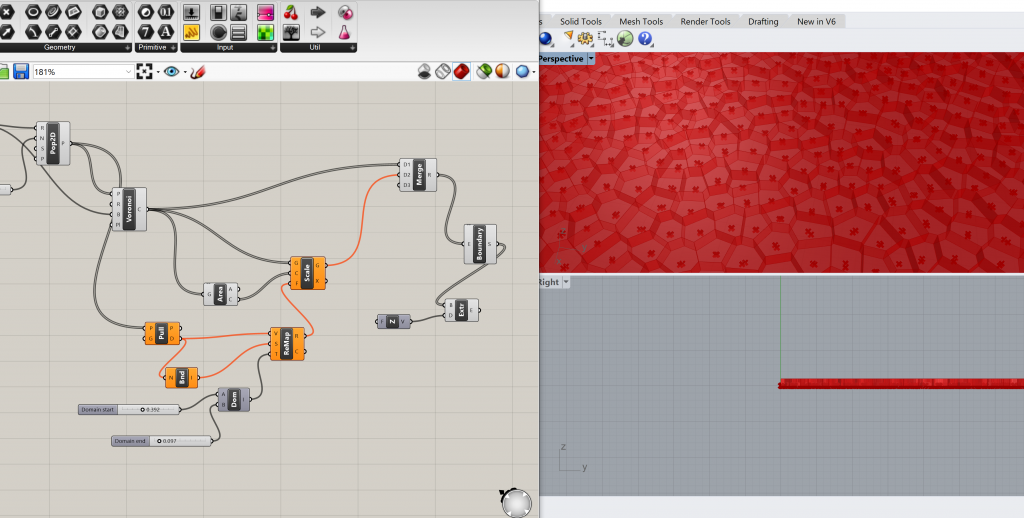
At this stage, I am exploring materials. The above tutorial uses a JPEG file to create a net structure but there is a problem with this when I increase the deforming force the JPEG mapping is pixelating. Currently, I am exploring Voronoi patterns which I generated in Rhino3D.
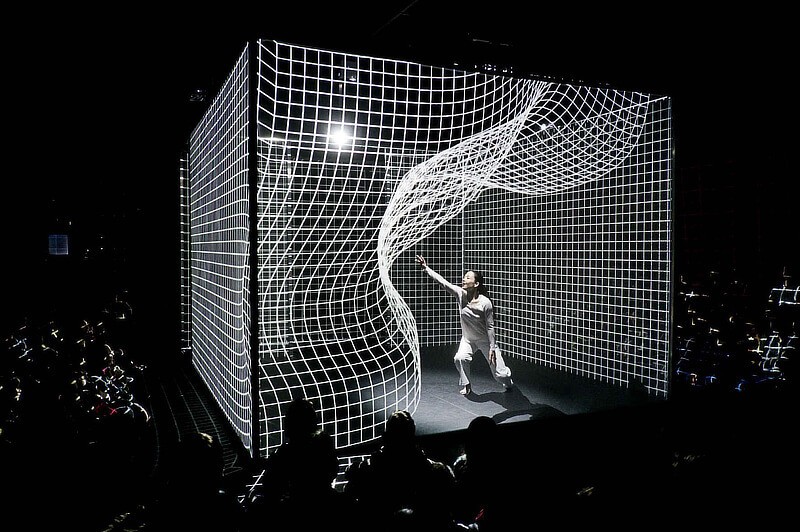
My final project is inspired by a Hakanaï performance by Akiko Kajihara and immersive set design by Claire Bardainne & Adrien Mondot.