The alpha version was fundamentally an assembly of the components which I explored while my research on what can work. I did not focus on any elements of user accessibility and application workflow. Our first release gave us the opportunity to communicate with our respondents and ask for their feedback on the app’s usability and their expectations. There were several usability hiccups which were taken care of during the beta release. In the alpha release, there was no consideration of usability flow. While in beta, we took care of this basic element of design carefully.
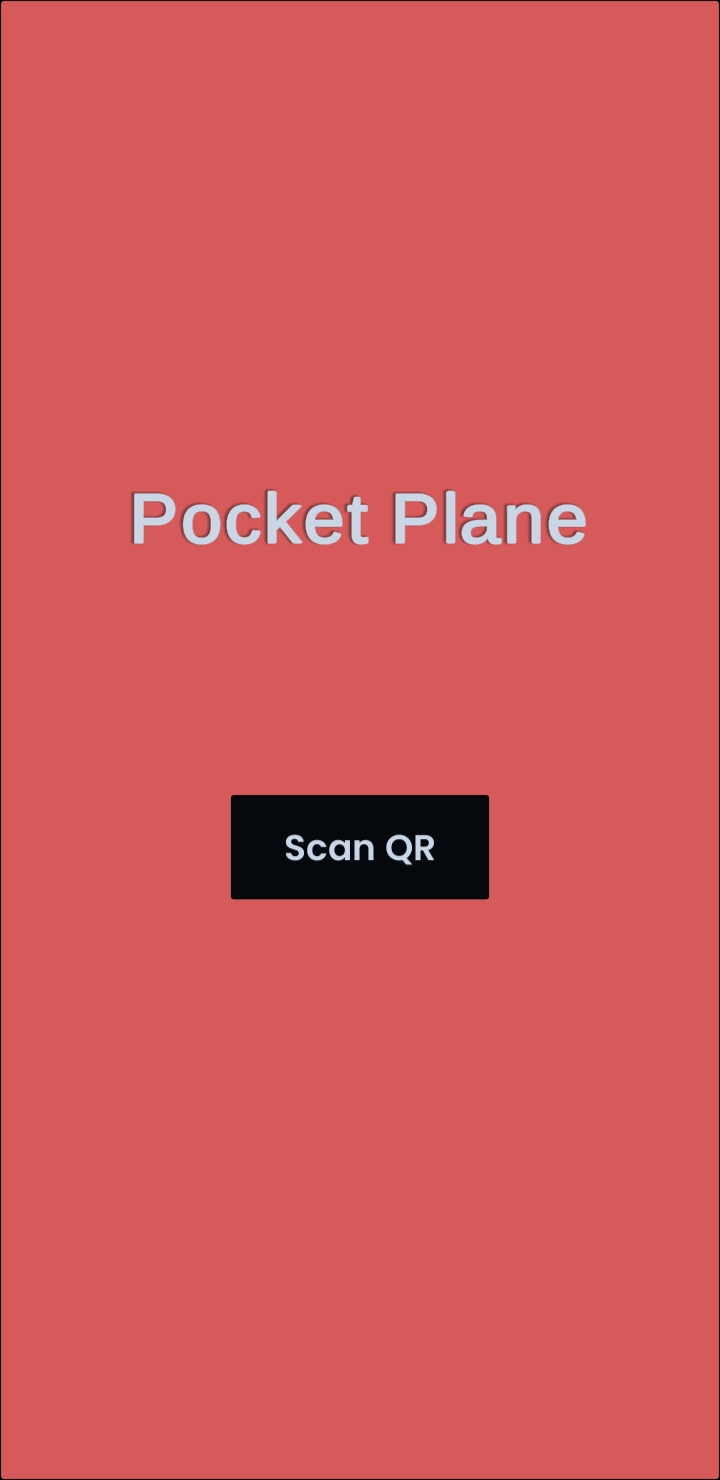
The navigational operations of any system are very important that is why we took serious care of it. The UI layout of PocketPlane is extremely simple. A simple button labelled as “scan QR” was placed at the center of the screen to give it primary importance. We place the “back button” closer to the bottom end of the screen and its left alignment was intuitively suggesting that the button will take users to the previous screen. We also utilized the phone’s native back button to go back to the previous screen, however, this function is only executable in Android phones.
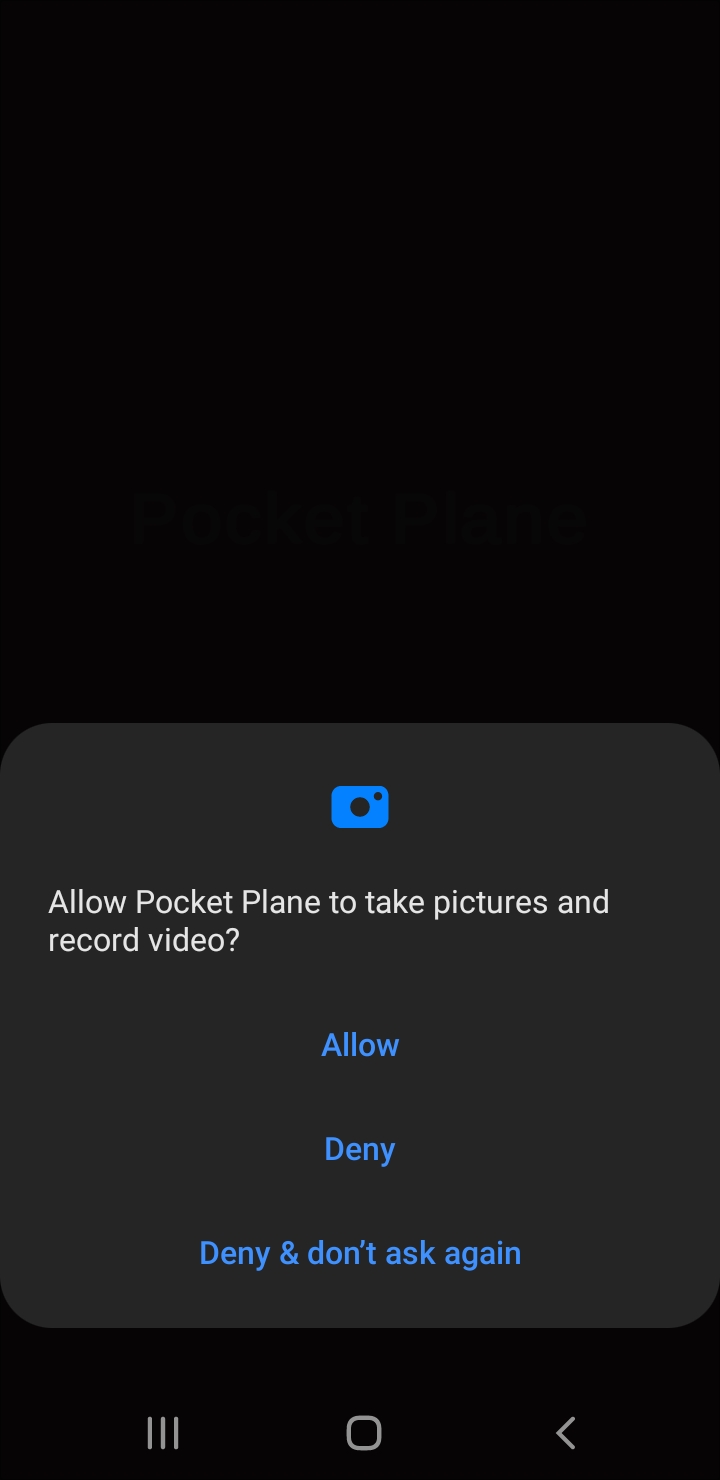
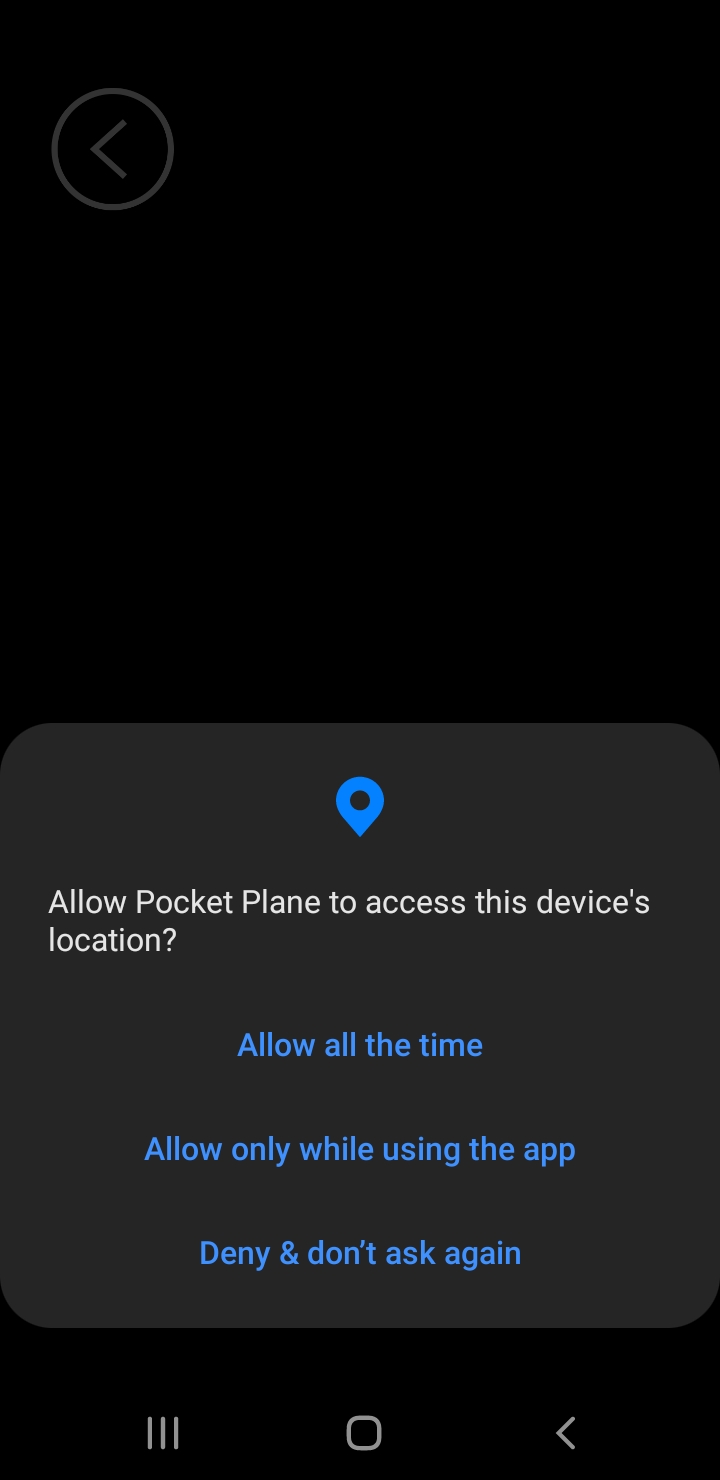
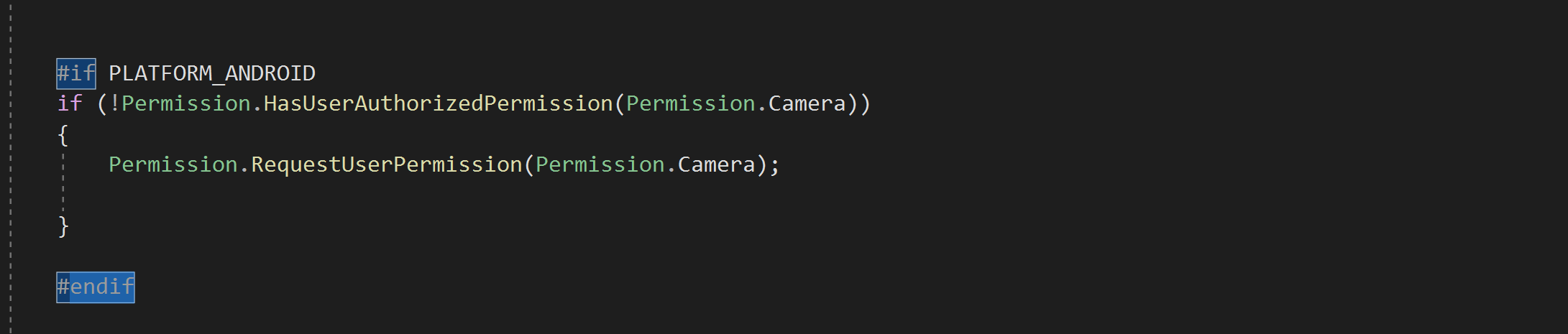
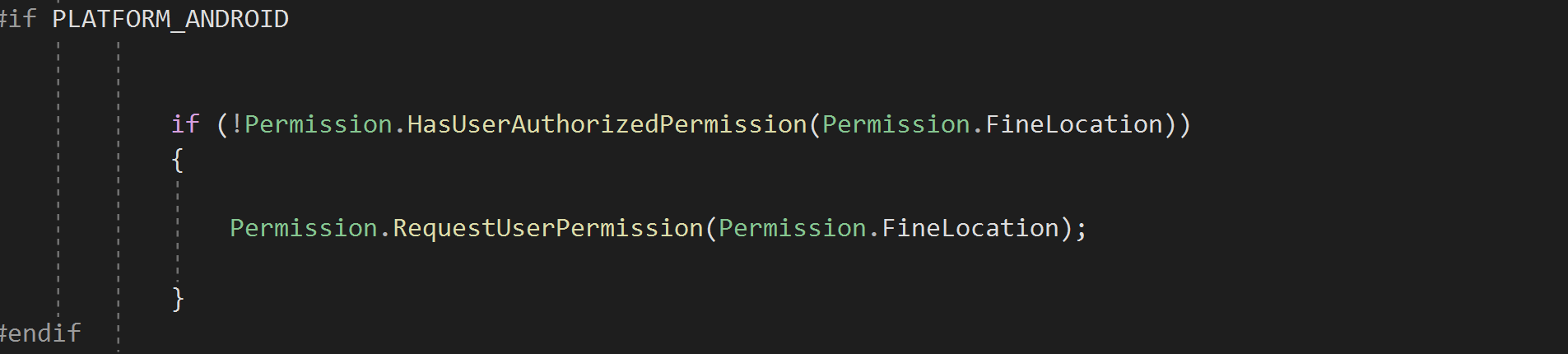
While in alpha release users were asked to go to phone settings and “allow” PocketPlane to access camera and location. In the beta version, we took care of this issue by asking user permission at the start. Whenever the user runs the app, the app checks if it has permission to access the camera and location. The app only prompts a dialogue box to requests the camera and location access if they were not granted previously. Once you allow PocketPlane to access the camera and location it does not request them again. However, the permissions can be revoked anytime inside the phone settings area.